Session Recap
What landed, what surprised people, and where the friction was across both days. You're not alone in any of this.
✦ What clicked
MomentScreenshots go straight in
You can paste a screenshot directly into the tool — no need to describe what's on your screen. For many people this was the biggest eye-opener.
MomentVoice mode exists (and it's great)
"I wish I'd known — I could have used it to role-play difficult conversations." Most people hadn't tried it. Now you know it's there.
DiscoveryIt's a conversation, not a "one and done"
You can push back, redirect, ask follow-up questions, and steer the output. The more you engage, the better the result.
This is the difference between single-shot prompting (one prompt, take what you get) and multi-shot prompting (an ongoing back-and-forth where each exchange sharpens the result). Think of it less like Googling and more like briefing a smart collaborator.
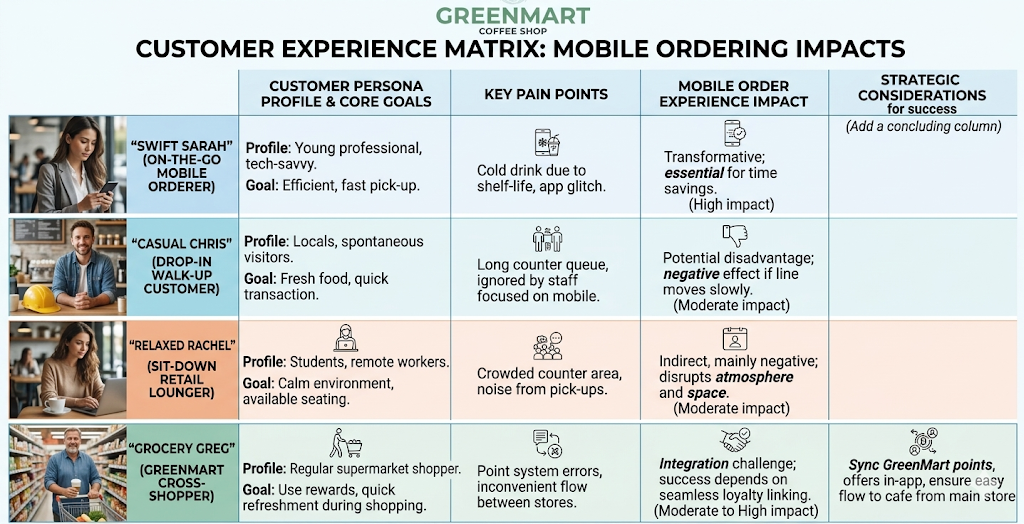
DiscoveryAI can generate personas — including images — fast
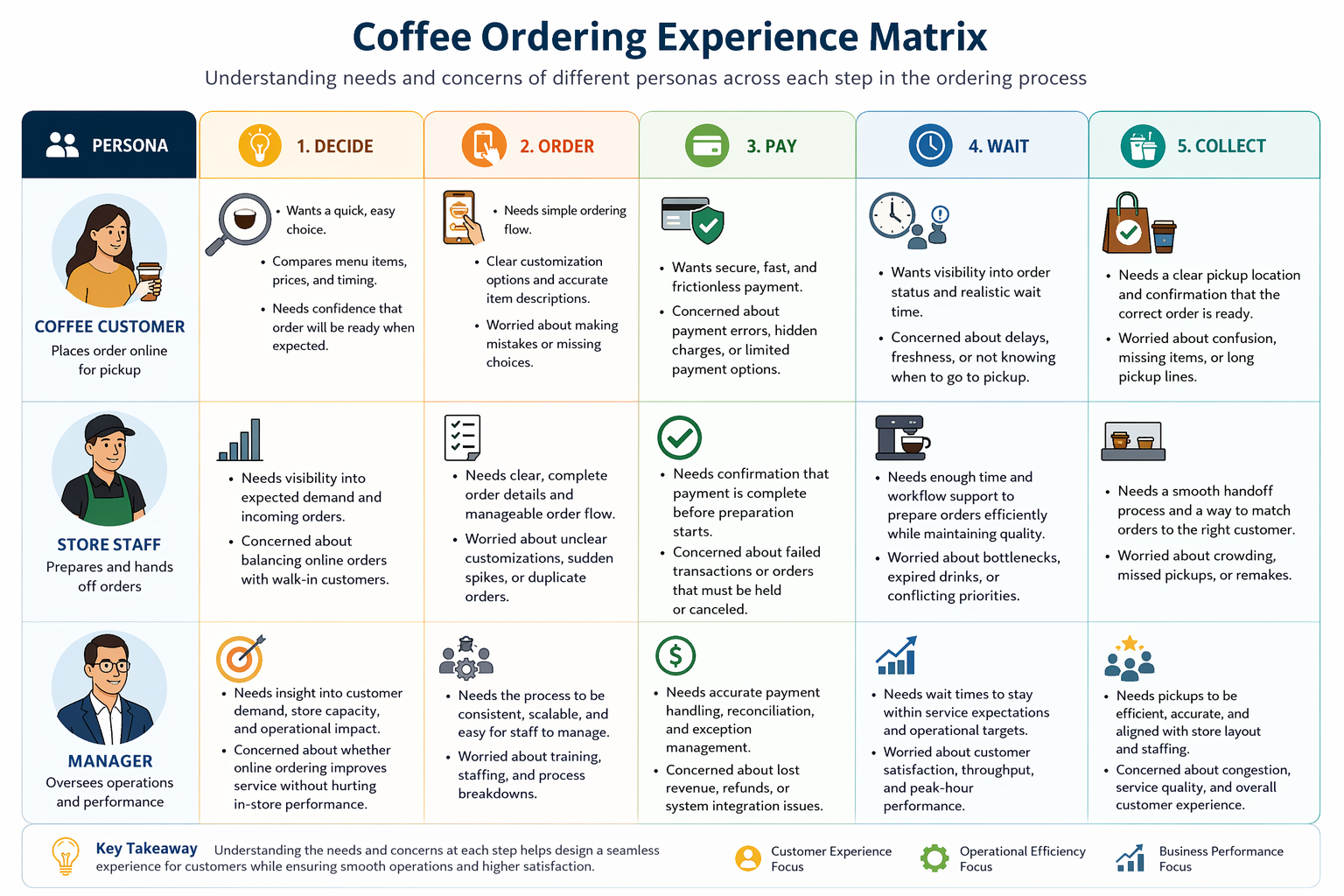
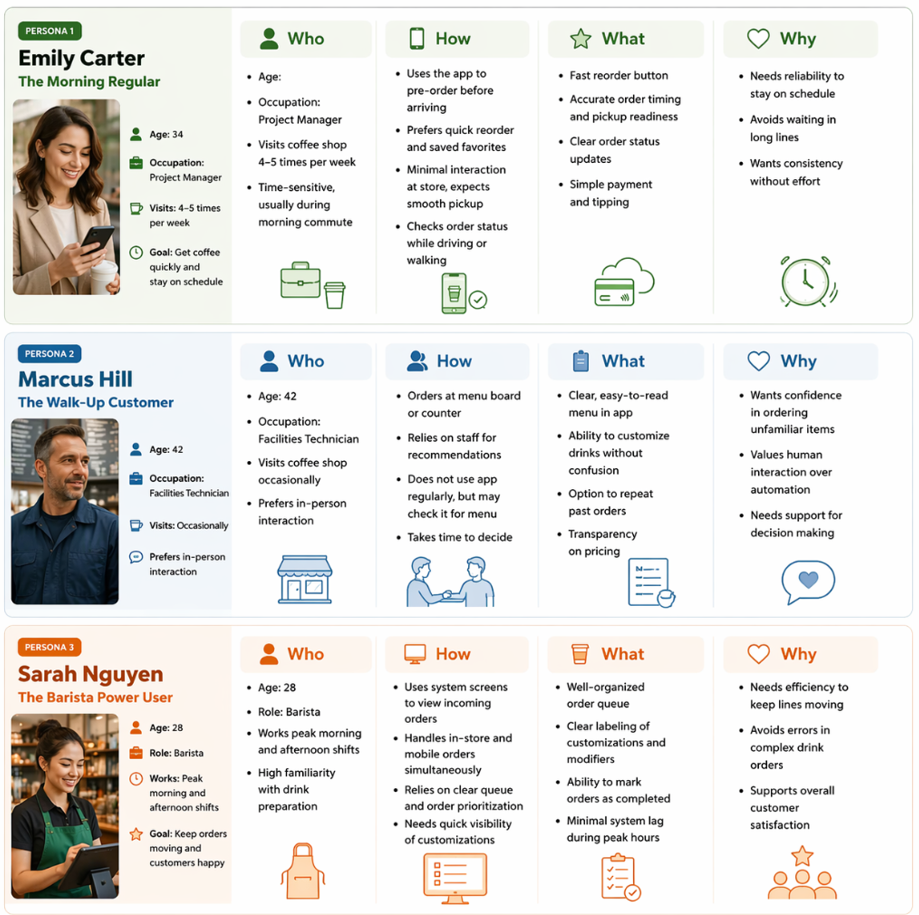
Personas that might have taken hours to research, write, and design can be drafted in minutes. With image generation, you can give them a face too — useful when you're moving fast or don't have a dedicated research team.
InsightAI is biased — and so are we
AI models are trained on human-generated data, which means they inherit human biases. But AI can also help surface your own blind spots. Try asking "What am I missing?" or "Who might be left out of this?" — a surprisingly powerful prompt.
⚡ Where the friction was
Pain pointDifferent answers to the same question
This is partly prompting skill, partly mindset shift. AI has built-in variability — we looked at what's happening under the hood (temperature, probabilities). That same variability becomes a strength in persona work.
Pain pointFriction jumping between tools
Version control — some strategies were shared in the room; ask if you missed them.
Code → another tool — generating a PlantUML diagram means leaving the AI environment to render it.
Copilot + PlantUML — results varied by participant. Try asking Copilot directly why — different orgs may have different setting lockdowns.